
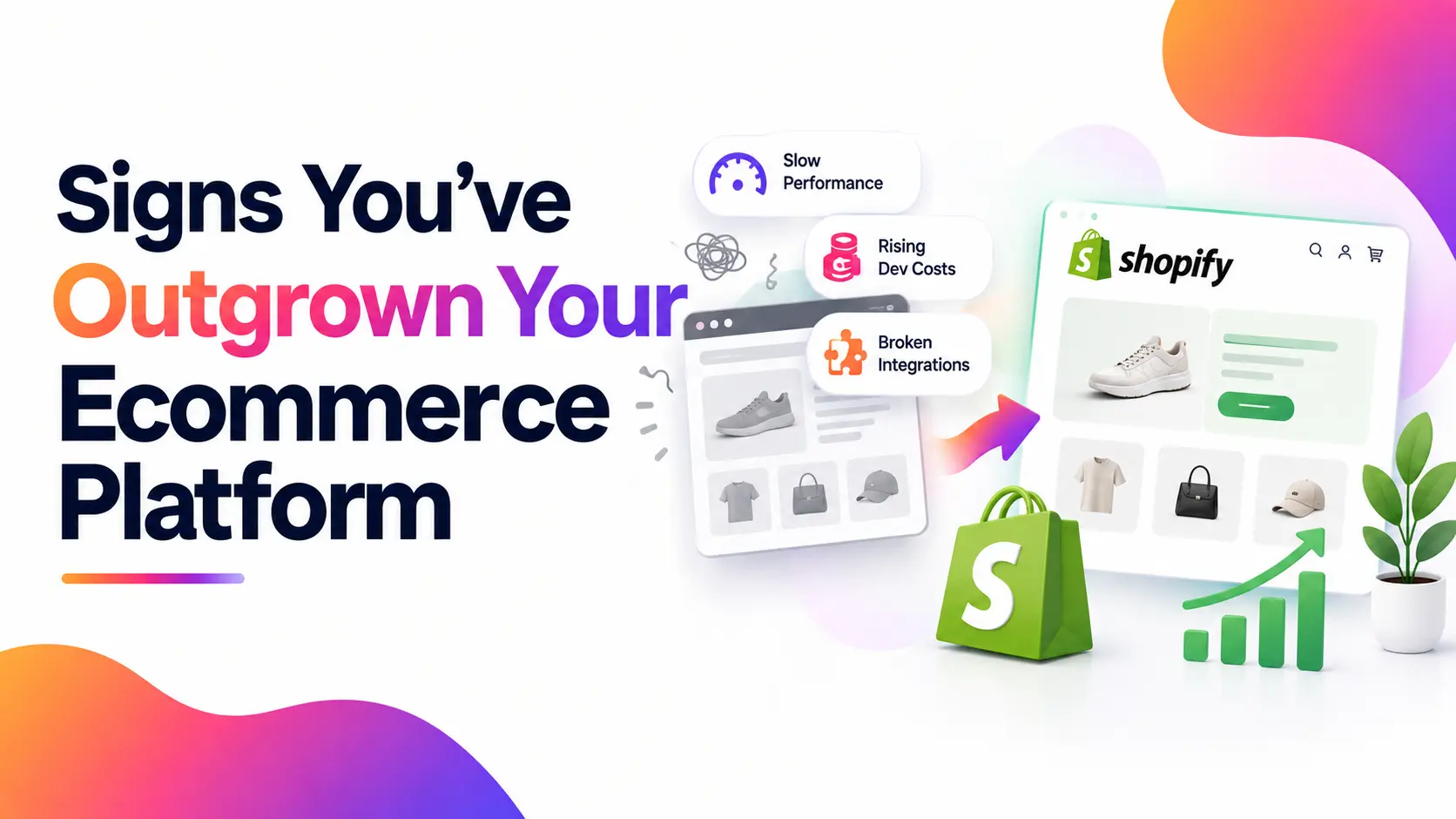
There’s a specific kind of tired that comes from running an online store that used to feel effortless and now feels like a second job. Nothing’s technically broken. The site still loads, orders still come in, payments still process. But every small change takes longer than it should, your developer’s retainer keeps creeping up, and you’ve started keeping a mental list of things you’d fix “if the platform could handle it.”
That list is usually the first sign. Not a crash. Not an outage. Just friction that wasn’t there before.
Quick answer: You’ve likely outgrown your platform if important requirements now depend on workarounds, expensive custom development, or systems your platform cannot support reliably. Shopify can simplify many of these challenges, while Shopify Plus is designed for businesses that need additional capabilities beyond standard Shopify plans.
Outgrown, or Just Under-Optimized?
Before you assume it’s the platform, it’s worth ruling out the more common — and cheaper to fix — explanation: the store was never configured properly to begin with.
This is common in ecommerce. A brand launches on a budget theme, bolts on a dozen apps to cover gaps, never touches performance settings, and three years later blames “the platform” for a slow, cluttered store that a proper rebuild on the same platform could have fixed in a fraction of the time and cost of a migration.
A genuine platform ceiling looks different. It shows up as things that simply aren’t possible, not just poorly done — a staff account limit you’ve physically hit, an API call limit your integrations keep tripping, a checkout you cannot touch no matter which app you install. If the fix is “configure it properly,” you don’t need to migrate. “If the requirement is genuinely outside the platform’s capabilities and cannot be addressed through supported features, apps, integrations, or reasonable custom development, migration may be worth considering.”
The signs below are written with that distinction in mind — each one points to an actual structural limit, not just a store that needs a tune-up.
7 Signs Your Platform Can’t Keep Up Anymore
1. Your Site Buckles the Moment Traffic Spikes
A platform that handles your normal Tuesday traffic just fine but falls over during a sale, a PR mention, or a seasonal rush isn’t having a bad day — it’s telling you its infrastructure was never built for where your business is now. Shopify’s hosted infrastructure removes much of the server and infrastructure management involved with handling traffic spikes, which can be valuable for stores with unpredictable demand.
2. Simple Features Turn Into Expensive Dev Projects
Something as basic as a tiered discount, a product bundle, or a new landing page shouldn’t require a developer and a two-week timeline. If your team has started avoiding requests because “it’s going to be a whole thing,” that’s not a workflow problem — it’s the platform quietly rationing what your business is allowed to do. Shopify’s theme architecture, APIs, and app ecosystem can make many common ecommerce requirements easier to implement, although more complex functionality may still require custom development.
3. You’re Manually Reconciling Data Between Systems
If someone on your team spends part of every week copying numbers between your store, your inventory system, and your accounting software by hand, your platform isn’t integrating with your business — it’s isolated from it. This is one of the clearest structural signs, because no amount of “optimizing” a broken connection fixes a platform that simply can’t talk to your other tools. Shopify’s API and app ecosystem exist specifically to close this gap with ERPs, CRMs, and fulfillment providers.
4. Checkout Abandonment Keeps Creeping Up
If your checkout has stayed the same for years while your abandonment rate hasn’t, that’s rarely a marketing problem — it’s usually a platform that won’t let you touch the one page that matters most for conversion. Shopify’s checkout is already fast and trusted out of the box, and Shopify Plus goes further by giving you full control to customize it directly, rather than duct-taping a workaround app on top.
5. You Can’t Properly Support B2B, Wholesale, or Multi-Channel Selling
The moment a wholesale client asks for net-30 terms, tiered pricing, or a private catalog, plenty of platforms simply run out of road. You end up managing a second, parallel system just to serve that side of the business — which usually means double the admin and double the chance something goes wrong. Shopify’s native B2B tools (and Shopify Plus for more complex setups) are built to run both sides of the business from one store.
6. Your Costs Keep Climbing With Nothing New to Show for It
Hosting, licensing, security patches, developer retainers — on some platforms, this bill grows every year almost on its own, and the business gets nothing new in return. It’s just the cost of standing still. Shopify’s pricing is transparent and predictable by comparison, and because so much comes built-in, you’re not paying developers to rebuild functionality other platforms hand you for free.
7. Your Competitors Are Shipping Faster Than You
If a rival brand launches a new landing page, a loyalty program, or a fresh collection layout within days, while your team is still waiting on a dev quote for the same thing, that speed gap compounds. Every week you’re slower to ship is a week they capture customers you should be reaching first.
Migrating From WooCommerce, Magento, or a Legacy Cart
WooCommerce: Great for getting started cheaply, but every plugin you add is one more thing that can break with a WordPress update, and hosting/security become entirely your responsibility as traffic grows. Shopify removes that maintenance burden completely.
Magento (especially Magento 1, now unsupported): Powerful, but it demands a dedicated dev team just to keep the lights on securely. Most Magento 1 stores we see migrating aren’t chasing new features — they’re escaping unpatched security risk.
Legacy custom-built carts: Often the hardest to walk away from emotionally, since so much was invested in building them — but also usually the most expensive to keep alive, since every fix depends on whoever originally built it still being around and available.
Across all three, Shopify tends to be where these stores land, mainly because it removes hosting, security, and core maintenance from your plate entirely, letting your team focus on the store itself instead of the infrastructure underneath it.
Also Read: Why Shopify Is the Best eCommerce Platform
Already on Shopify? Signs It’s Time for Shopify Plus
Quick answer: Shopify Plus isn’t defined by a single revenue threshold. Businesses typically evaluate it when they need capabilities beyond their current Shopify plan, such as additional user capacity, advanced B2B requirements, more complex multi-store operations, greater API capacity, or expanded customization options.
Revenue is only half the picture, though. These operational signals often show up before the revenue threshold does:
- You’re on Shopify Advanced and have reached its 15-user limit, while your team needs additional admin users.
- You need to customize checkout itself — not just the pages around it — for upsells, custom fields, or trust elements
- You’re bumping into API rate limits that are straining your ERP or inventory sync
- You’re running (or planning) multiple stores or markets and managing them separately is becoming its own job
- You’re bracing for a major traffic event — a product drop, a flash sale, BFCM — and standard infrastructure feels like a risk you shouldn’t be taking.
If none of these apply yet, that’s a useful signal too — Plus is a real investment, and upgrading before you need it just adds cost without adding value.
Replatform or Optimize? How to Actually Decide
Before committing to a migration, it’s worth running a short gut-check:
- Would a proper rebuild or reconfiguration on your current platform fix most of what’s frustrating you?
- Are the blockers things your platform genuinely cannot do — at any price — or things it just hasn’t been set up to do well?
- Does the cost of staying (lost time, lost sales, mounting dev costs) already exceed what a migration would cost?
If most of your answers point to real structural limits rather than setup issues, migration is the right call. If they don’t, you may be able to fix this for a fraction of the cost of a full platform move.
What to Do Once You’ve Confirmed You’ve Outgrown Your Platform
- Audit what you actually have — apps, custom code, integrations, and what each one is really costing you in fees and maintenance.
- List your non-negotiables — the features and integrations the new platform has to support from day one
- Shortlist realistically — for most growing D2C and B2B stores, this shortlist starts and ends with Shopify or Shopify Plus
- Plan a phased migration — data, design, and integrations moved and tested in stages, not everything switched over in one risky weekend.
This is exactly the kind of migration we handle end-to-end — from the initial audit through to a live store with nothing lost in the move. If you’re weighing this decision, our ecommerce development and migration services page walks through how we approach it.
FAQs
How do I know if I’ve truly outgrown my ecommerce platform?
If the blockers you’re hitting are things the platform simply doesn’t offer — not features you’ve just never configured — that’s a genuine ceiling. A quick audit against your current setup usually makes the difference obvious.
Will I lose my SEO rankings if I migrate to Shopify?
Not if you plan the migration properly. Redirect mapping, preserving URL structure where possible, and re-submitting your sitemap are standard parts of a well-run migration — ranking drops usually come from migrations that skip these steps, not from the platform switch itself.
How long does a Shopify or Shopify Plus migration take?
For most mid-sized stores, a well-scoped migration runs 6–12 weeks depending on catalog size, integrations, and how much custom functionality needs to be rebuilt.
What’s the real cost difference between Shopify and Shopify Plus?
Standard Shopify plans are billed month to month and cost a fraction of Plus. At the same time, Plus is priced for higher-volume stores and typically requires an annual or multi-year commitment—the trade-off being deeper customization, checkout control, and support.