
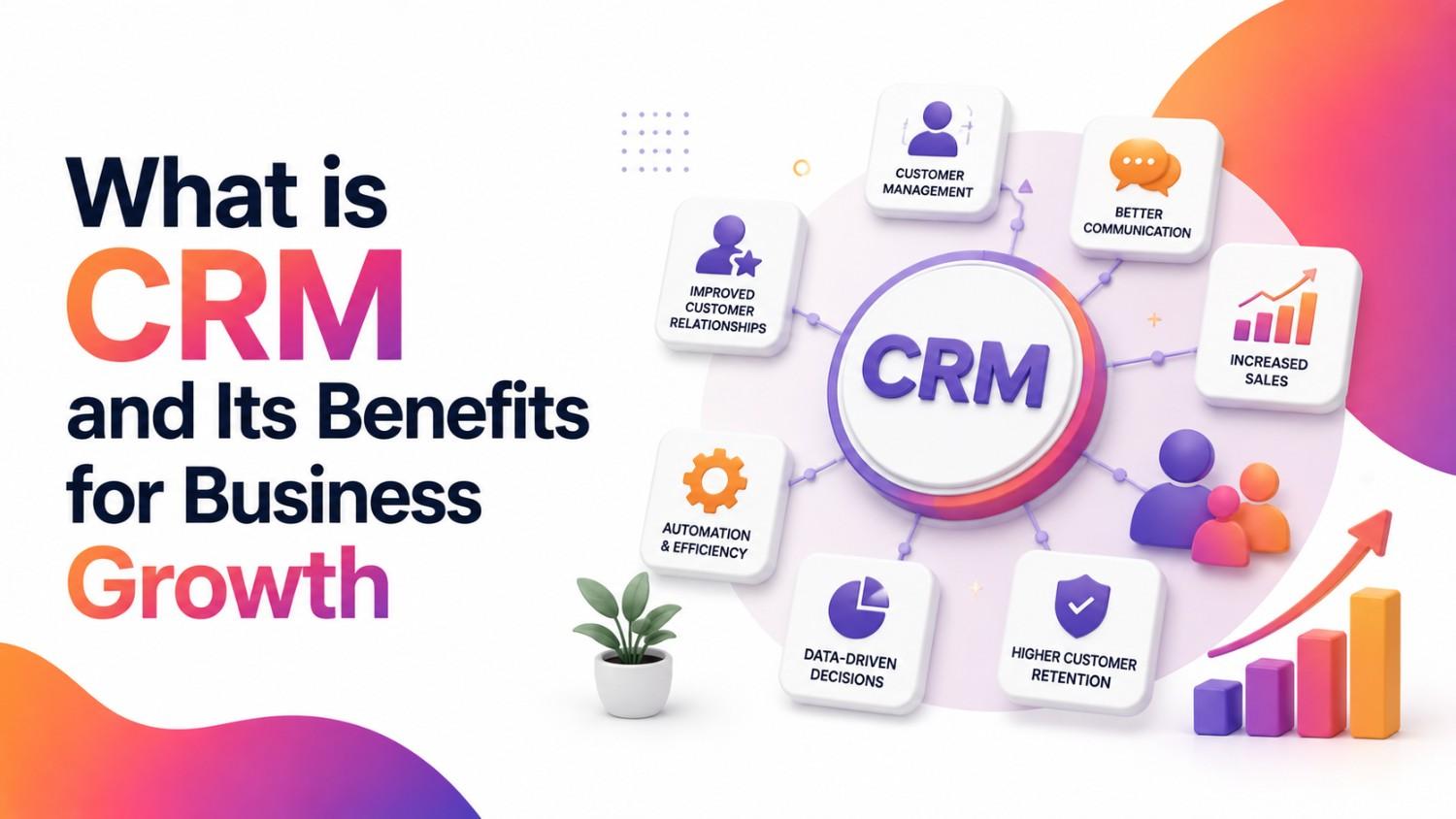
Quick answer: CRM (Customer Relationship Management) is software that helps businesses track, organize, and manage all interactions with current and prospective customers in one place. Its core benefits are a clearer sales pipeline, better lead prioritization, more personalized customer interactions, less manual admin work, and sales data businesses can actually act on. CRMs are used by businesses of every size — not just large enterprises — and most modern platforms (like Zoho CRM) are built to scale with a growing team.
A CRM system is software built to manage every interaction a business has with its current and potential customers — from the first inquiry through to a closed sale and beyond. Instead of tracking leads across scattered spreadsheets, inboxes, and sticky notes, a CRM keeps everything in one searchable, shareable place.
It’s a common misconception that CRMs are only worth it for large enterprises with huge customer databases. In reality, small and mid-sized businesses often see the biggest relative benefit — a CRM replaces the ad hoc tracking methods that break down fastest once a business starts growing.
What Does a CRM Actually Do?
At its core, a CRM does four things:
- Stores customer and lead data in one central system, rather than scattered across email, spreadsheets, and individual inboxes.
- Tracks every interaction — calls, emails, meetings, website visits — tied to a specific contact or company.
- Automates repetitive tasks, like follow-up reminders, lead assignment, and status updates.
- Surfaces reporting and analytics on sales performance, pipeline health, and team activity.
Types of CRM Systems
| Type | What It Focuses On | Best For |
| Operational CRM | Automating sales, marketing, and service processes | Teams wanting to streamline day-to-day workflows |
| Analytical CRM | Analyzing customer data to inform strategy | Businesses wanting deeper insight into buying patterns |
| Collaborative CRM | Sharing customer data across departments (sales, support, marketing) | Companies where multiple teams touch the same customer |
Most CRM platforms today, including Zoho CRM, blend elements of all three rather than being strictly one type.
Key Benefits of Using a CRM
1. A Clearer, More Organized Sales Pipeline
Before CRMs, most sales teams tracked leads in spreadsheets and email threads — workable at a small scale, but it breaks down fast as lead volume grows. A CRM gives every lead a visible position in the pipeline, from first contact to close, so nothing falls through the cracks.
2. More Efficient Lead Management
Rather than manually sorting through hundreds of leads to find the ones worth prioritizing, a CRM’s built-in lead management tools surface the most engaged, highest-potential leads automatically — based on activity, source, or custom scoring rules.
3. Clear Prioritization of Who to Contact First
When lead volume grows, it’s easy to lose track of who actually needs a follow-up call today. CRMs solve this with lead scoring and grouping, so sales teams can work through contacts in the right order instead of guessing.
4. More Personalized Customer Interactions
Most CRMs track behavioral signals — which pages a lead visited, how long they spent on a pricing page, what past conversations covered. That context lets sales reps tailor conversations to what a specific customer actually cares about, instead of relying on a generic pitch.
5. Less Time Spent on Manual Admin Work
Updating lead statuses, assigning ownership, and sending follow-up reminders by hand eats into selling time. CRMs automate these routine tasks with rule-based workflows, freeing reps to focus on actual conversations rather than data entry.
6. More Transparency Across the Team
Manually assigned leads can create friction if team members feel the process is unfair or unclear. A CRM automates lead distribution based on consistent rules, which removes ambiguity and helps maintain trust within a sales team.
7. Actionable Sales Analytics
CRMs provide direct visibility into which lead sources convert best, which regions or customer segments generate the most revenue, and how individual reps are performing. That data lets leadership set realistic targets and double down on what’s actually working, rather than relying on guesswork.
How to Choose the Right CRM for Your Business
- Team size: a solo founder needs far less than a 50-person sales team — don’t over-buy features you won’t use.
- Integration needs: check whether it connects cleanly with your existing email, e-commerce platform, or accounting software.
- Ease of adoption: a CRM only helps if your team actually uses it — overly complex tools often get abandoned within months.
- Budget: pricing usually scales with the number of users and feature tier, so map cost against team size before committing.
Conclusion
A CRM isn’t just a database — it’s the system that keeps a growing business’s customer relationships organized, its sales pipeline visible, and its team working from the same information instead of scattered notes and guesswork. Whether you’re evaluating your first CRM or considering a switch, My Virtual Teams can help you choose, implement, and customize a CRM system built around how your sales team actually works.
Frequently Asked Questions About CRM
What’s the difference between a CRM and a simple spreadsheet?
A spreadsheet can track basic lead info, but it can’t automate follow-ups, log interaction history automatically, or scale cleanly as your lead volume grows. A CRM is built specifically to handle that complexity as a business grows.
Is a CRM only useful for large businesses?
No — small and mid-sized businesses often benefit the most, since they’re the ones most likely to be relying on spreadsheets and email that break down as lead volume increases.
What’s the difference between operational, analytical, and collaborative CRM?
Operational CRM focuses on automating sales/marketing workflows, analytical CRM focuses on interpreting customer data for strategy, and collaborative CRM focuses on sharing customer information across departments. Most modern CRM platforms combine elements of all three.
How long does it take to implement a CRM?
Basic setup can take days to a few weeks depending on team size and how much existing data needs to be migrated. Full team adoption — actually getting everyone using it consistently — often takes longer than the technical setup itself.
Can a CRM integrate with my existing tools?
Most modern CRMs, including Zoho CRM, offer integrations with common email platforms, e-commerce systems, and accounting software — but the depth of integration varies by platform, so it’s worth confirming compatibility with your specific stack before choosing one.
What’s the most common reason CRM implementations fail?
Low team adoption is the most common cause — a CRM only delivers value if the sales team uses it consistently. Overly complex systems, or ones that don’t fit how a team already works, tend to get abandoned within months of rollout.