

E-commerce is growing fast, and now is a good time to launch a store. But a Shopify store isn’t just a place to sell — it’s your brand’s storefront. Choose the wrong theme, and even great products get lost behind slow load times, clunky navigation, or a design that doesn’t match how customers see your brand.
Choosing the right theme comes down to three things: understanding your business, knowing your customers, and matching a theme’s technical capabilities to your store’s real needs. It’s not about picking whatever looks nicest in the Theme Store — it’s about picking the theme that gets customers from browsing to checkout with the least friction.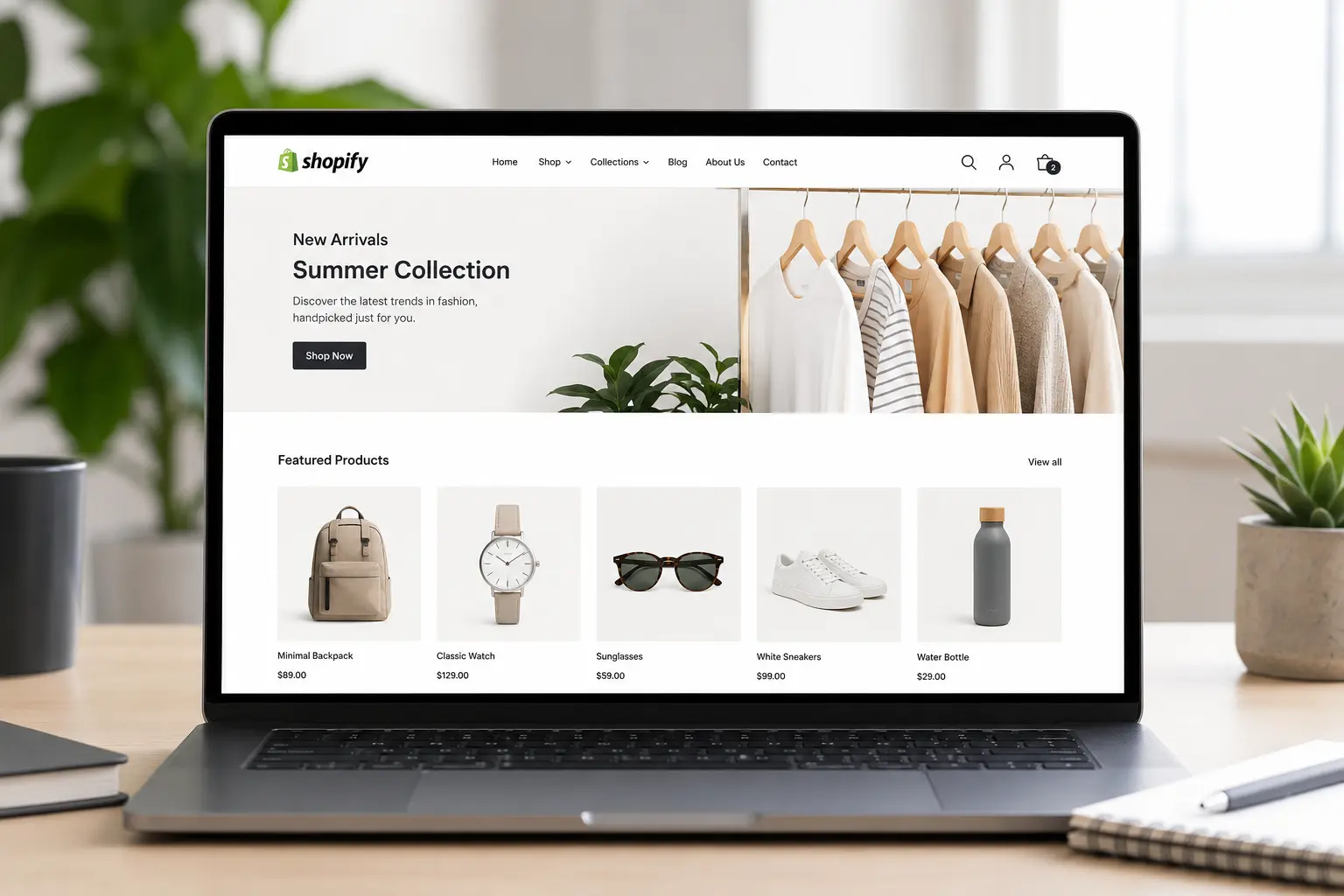
Why the Right Shopify Theme Matters
A well-chosen theme does more than look good — it shapes how customers experience your brand from the first click.
First impressions. Your theme sets the tone before a single word of copy is read — sleek and minimal reads as premium, bold and colorful reads as playful. Customers decide whether to trust a store within seconds of landing on it.
User experience. A good theme makes browsing, filtering, and checking out feel effortless. A bad one adds friction at exactly the moments that matter most for conversion.
Speed and SEO. Theme code quality directly affects Core Web Vitals — the loading, interactivity, and visual stability metrics Google uses as ranking signals. A theme bloated with unnecessary JavaScript or unoptimized images can quietly tank your rankings no matter how good your content is.
Mobile experience. Most Shopify traffic today is mobile. A theme that isn’t genuinely mobile-optimized — not just “responsive” on paper — will cost you sales.
Get the theme right, and it turns visitors into loyal customers. Get it wrong, and it quietly pushes them to a competitor.
How to Choose the Right Theme, Step by Step
1. Start With Your Brand and Your Customer
Before opening the Theme Store, define what your brand needs to communicate and how your customers actually shop.
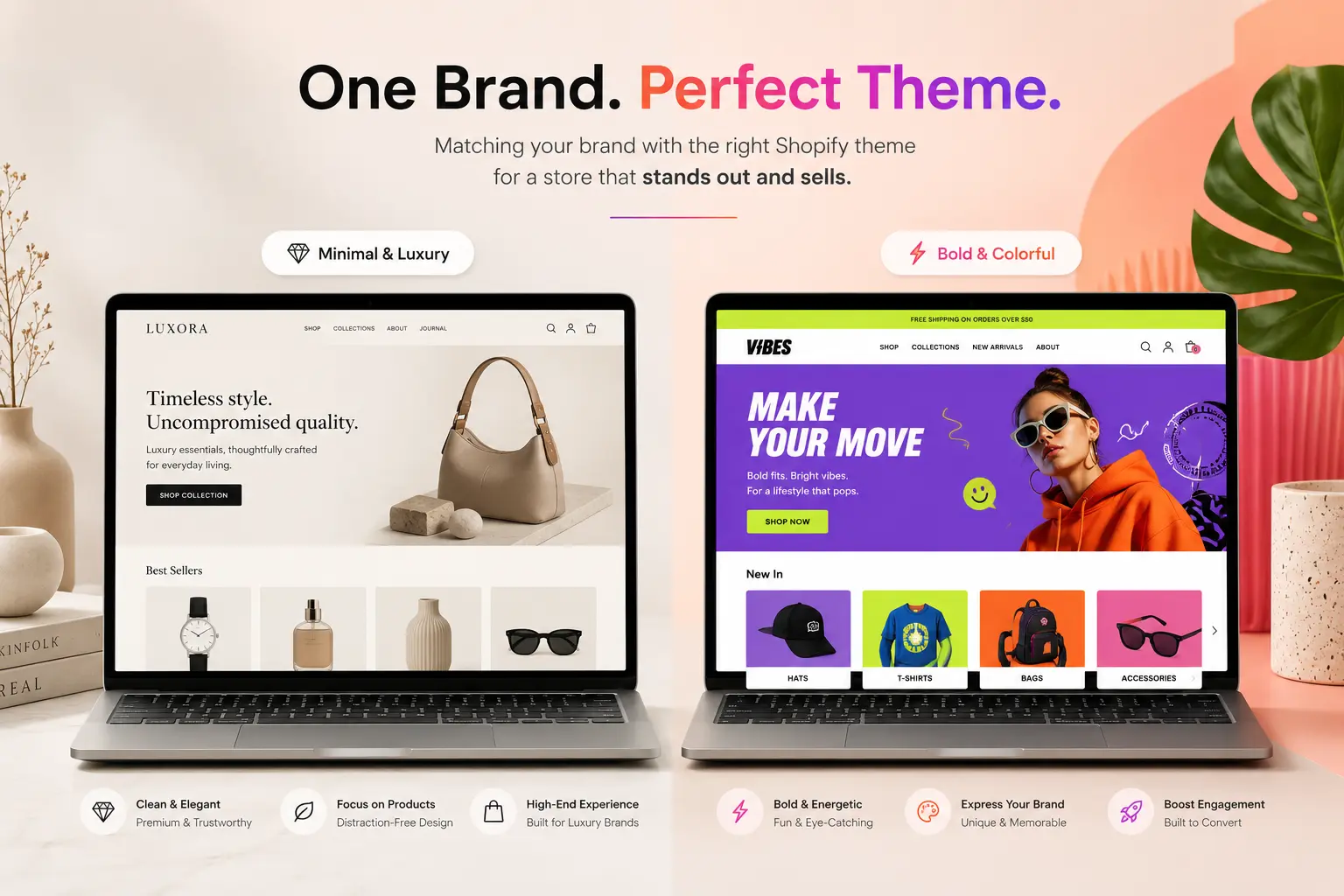
- Luxury or premium brands need clean, uncluttered layouts with generous white space — think Prestige or Broadcast.
- Fun, expressive brands (beauty, streetwear, novelty products) do better with bold color, animation, and playful typography — themes like Motion or Colorblock lean this way.
- Minimalist or utility-first brands (skincare, home goods, wellness) benefit from simple grid layouts with strong product photography — Sense or Refresh are common picks here.
Also think about how your customers shop: are they scanning quickly for one item, or reading detailed specs before buying? A theme built for fast browsing (large grids, quick-view) suits impulse categories; a theme built for storytelling (large imagery, detailed sections) suits considered purchases like furniture or electronics.
2. Match the Theme to Your Catalog Size and Business Model
This is where many stores pick the wrong theme — a theme built for one type of catalog doesn’t work for another.
- Single-product or narrow-catalog brands need a theme that turns one product into a story: large imagery, minimal distractions, a clear path to checkout. Overloaded navigation actively hurts you here.
- Multi-category retailers need mega menus, robust filtering, and fast search — themes like Impulse or Warehouse are built for this.
- B2B or wholesale stores need volume pricing, quick-order forms, and performance that holds up with large catalogs.
3. Check for Online Store 2.0 (OS 2.0) Compatibility
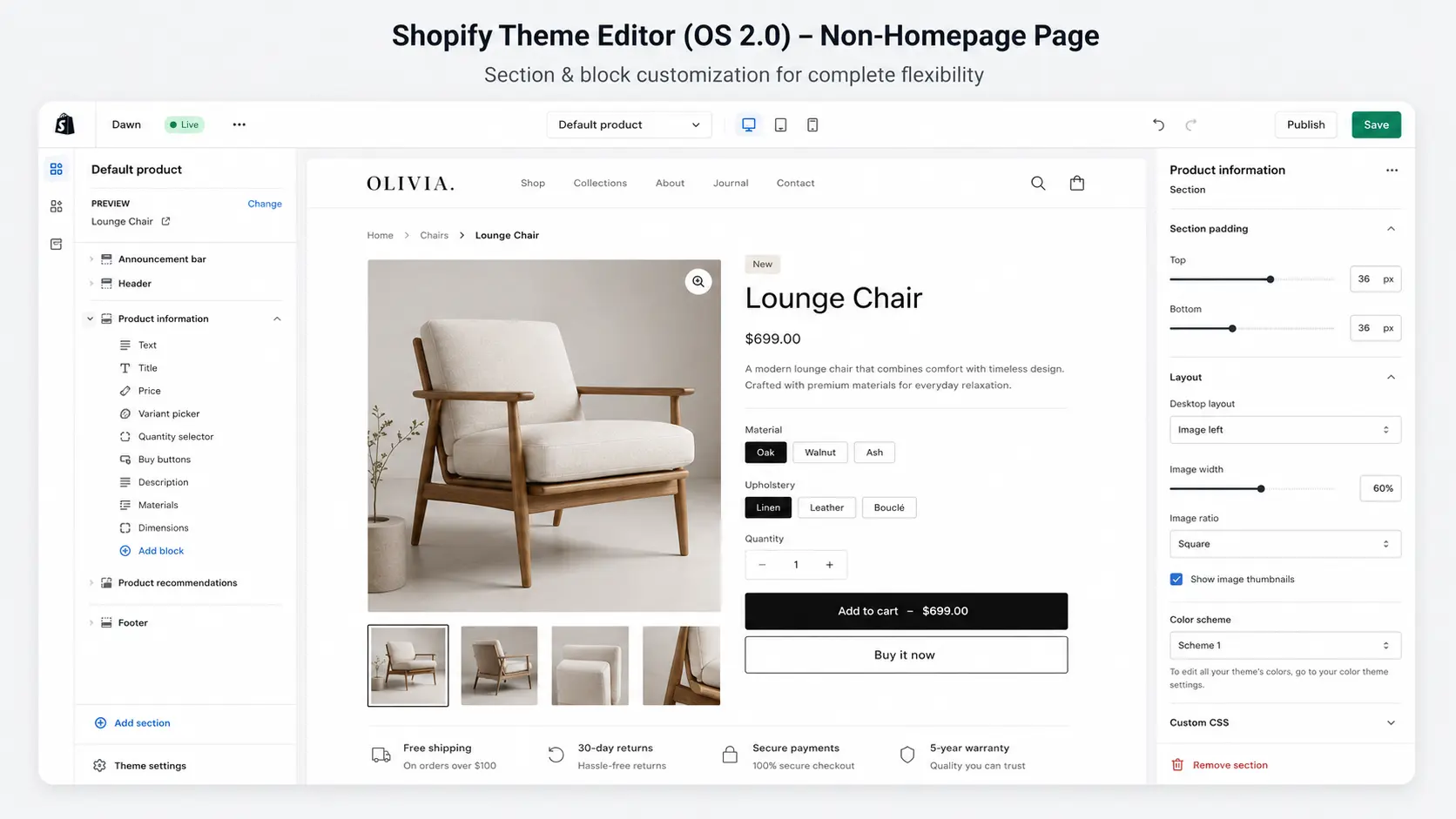
This is the single most important technical filter, and most theme guides skip it entirely. Shopify’s OS 2.0 architecture enables section-based customization on every page (not just the homepage), native app block support, and better out-of-the-box performance. Nearly all themes in the official Theme Store are now OS 2.0, but if you’re evaluating a theme from a third-party marketplace or an older custom build, confirm this directly — a non-2.0 theme will limit your customization options and app compatibility going forward.
4. List the Features Your Store Actually Needs
Not every store needs the same functionality. Build your list based on how customers shop your category:
- Responsive design that holds up on both desktop and mobile — not just technically “responsive,” but genuinely fast on both
- Quick-view/quick-shop so customers can add to cart without leaving the collection page
- High-resolution product imagery with zoom, especially important for fashion, jewelry, and furniture
- Filtering by size, color, price, and other relevant attributes
- Color swatches and size guides if you sell apparel
- A robust mega-menu if your catalog spans many categories
Prioritize ruthlessly. A theme stacked with features you’ll never use adds page weight and slows your site for no benefit.
5. Set a Realistic Budget
Free themes (Dawn, the current Shopify default, is used by roughly 9% of live Shopify stores) are lightweight, well-coded, and a legitimate choice — especially for new stores testing an idea. But they offer limited customization and no dedicated support.
Premium themes ($150–$350 typically) generally offer:
- Deeper customization control over layout and design
- Direct developer support when something breaks
- Regular updates that keep pace with Shopify’s platform changes
One caution: popular doesn’t mean differentiated. Dawn and a handful of other themes power a large share of all Shopify stores — if your brand depends on standing out visually, using the same theme as thousands of competitors can work against you, regardless of price.
6. Prioritize Genuine Mobile Performance
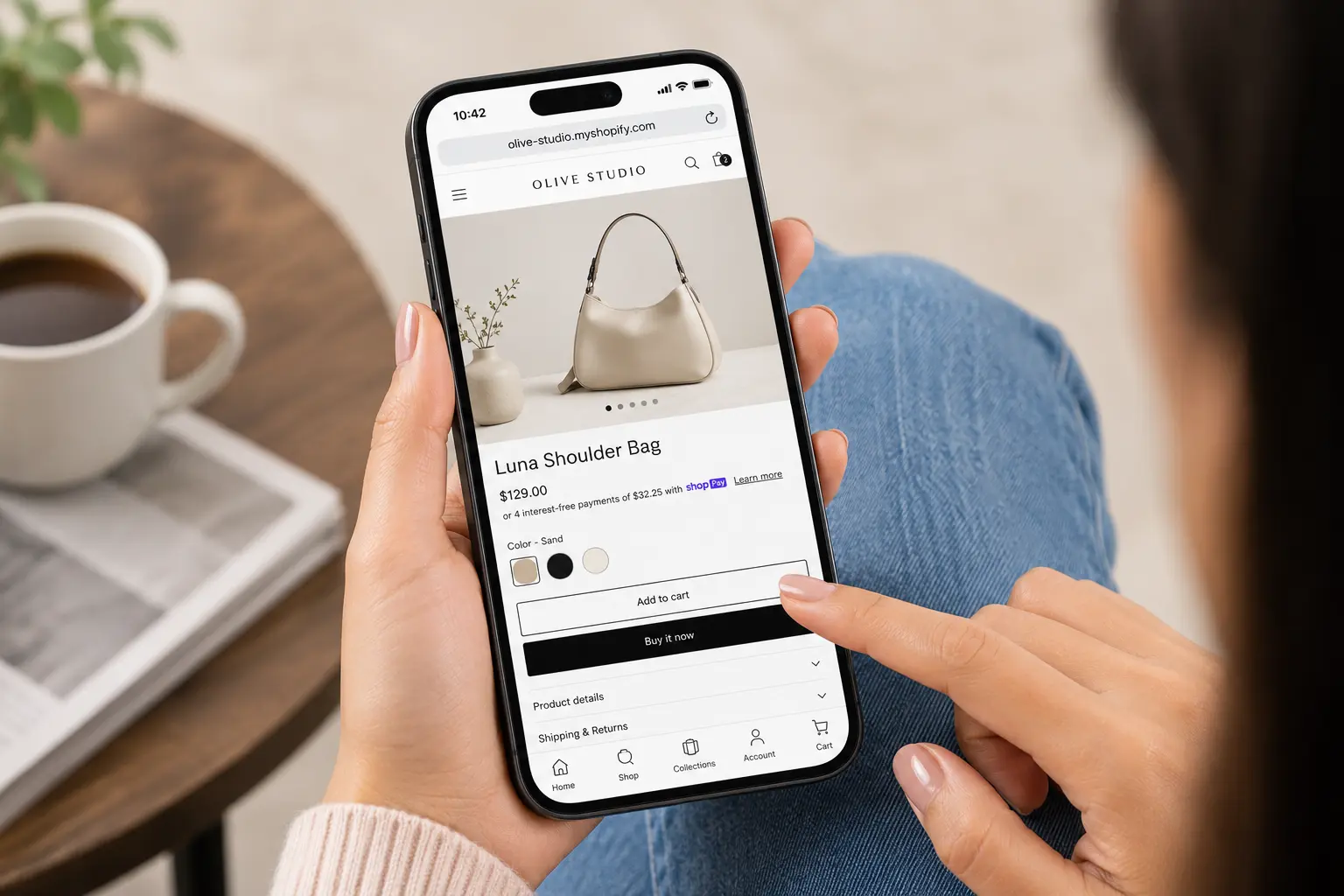
According to Shopify’s own merchant research, most smartphone users have made a purchase on mobile in the past six months — mobile isn’t a secondary experience anymore, it’s often the primary one.
Don’t just check that a theme “looks fine” on a phone. Test it directly:
- Load speed on mobile networks, not just Wi-Fi (use Google PageSpeed Insights)
- Tap target size — buttons and links should be easy to hit with a thumb
- Whether filters, menus, and search remain fully usable on a small screen, not simplified into uselessness
7. Confirm the Theme Is Genuinely SEO-Friendly
A clean, well-coded theme gives your SEO efforts a real foundation to build on. Look for:
- Fast baseline load times — lightweight themes like Dawn or Turbo are built with this as a priority
- Clean, semantic HTML that search engines can crawl and parse easily
- Proper heading structure and schema support, which matters increasingly for how content surfaces in AI-powered search results
- No render-blocking scripts baked into the theme by default
A great theme won’t fix bad content or a weak backlink profile, but a bad theme can undercut everything else you do for SEO.
8. Preview It With Your Actual Products
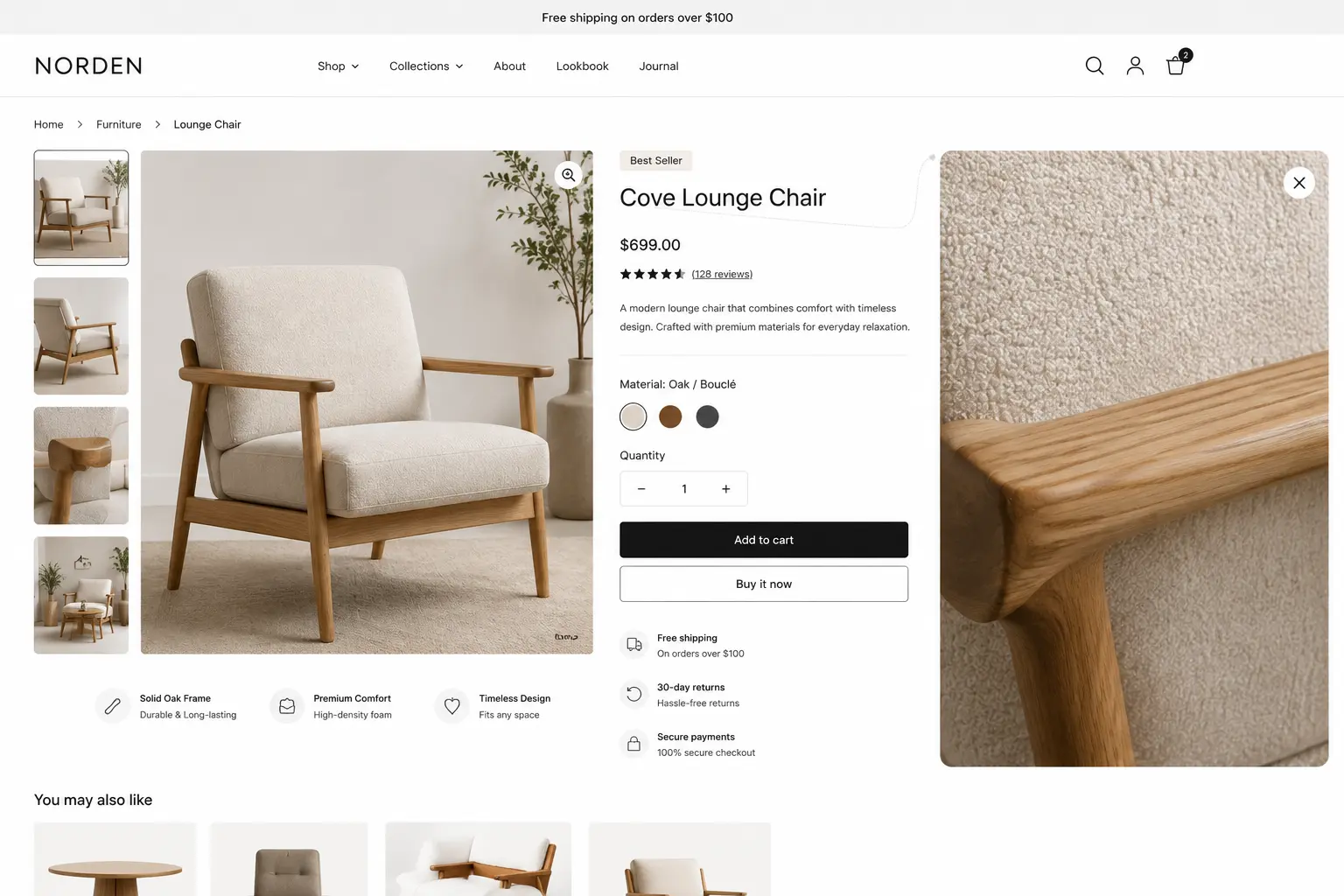
Shopify lets you preview a theme with live data before committing. Use it. Check specifically for:
- Whether your product photography looks sharp in the theme’s default image sizing
- Whether product pages stay easy to scan with your actual descriptions, not lorem ipsum
- Whether navigation still makes sense with your real category structure, not a demo catalog
A theme that looks great in the Theme Store’s demo can look completely different once your products are in it.
9. Read Reviews and Check Developer Support
Before committing, check theme reviews for patterns, not just star ratings:
- Consistent complaints about speed or bugs across devices
- How responsive the developer is to support requests
- Update frequency — a theme that hasn’t been updated in over a year may fall behind Shopify’s platform changes
Conclusion
Choosing a Shopify theme is one of the highest-leverage decisions you’ll make for your store. It’s not just a design choice — it affects speed, SEO, conversion, and how customers perceive your brand in the first five seconds on your site. Take the time to define your brand and catalog needs, confirm OS 2.0 compatibility, test with real products, and read past the star rating into what reviewers actually say.
If you’d rather have a Shopify expert handle the evaluation, customization, and setup for you, our team builds and customizes Shopify themes for brands every day — get a free quote and we’ll help you find the right fit.
Frequently Asked Questions
Is a free Shopify theme good enough for a real store?
Yes, for many stores. Free themes like Dawn are well-coded and fast. The trade-off is customization depth and support — as your store scales, you may outgrow what a free theme can offer.
How many themes can I install on Shopify?
You can install up to 20 themes on your account at once, but only one can be published live at any time.
Does the theme I choose affect my Shopify SEO?
Yes, meaningfully. Theme code quality affects site speed and Core Web Vitals, both of which are ranking factors. A bloated or poorly coded theme can undercut otherwise strong content and SEO work.
Should I buy a theme from outside the official Shopify Theme Store?
It’s possible, but riskier. Third-party marketplaces can offer more variety and lower prices, but with less vetting — check the developer’s update history and support reputation carefully before buying.